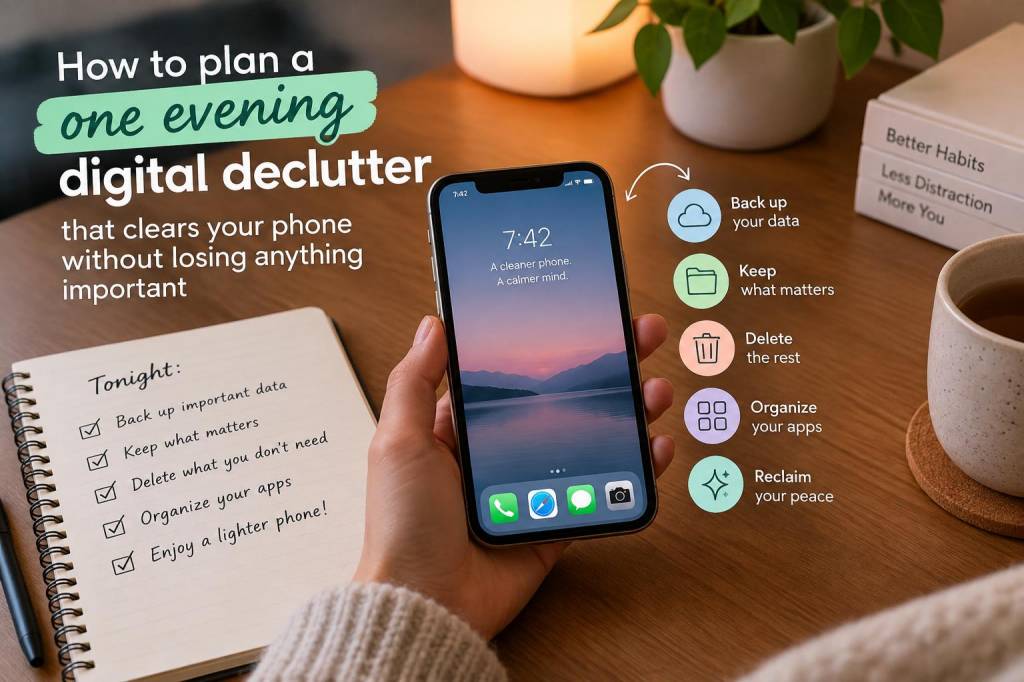
I like doing a digital declutter in one evening because it feels achievable. Not a full life overhaul, not a dramatic reset, just a focused sweep that makes my phone feel lighter without creating the panic of “What if I delete something I need?” Over time, I’ve learned that the real challenge is not removing things; it is making sure I keep anything important, while clearing away clutter that slows me down every single day.
When I plan an evening session, I do not start by deleting random apps or scrolling through my camera roll in a mood of chaotic optimism. I start with a simple plan. I give myself a clear time limit, a small number of tasks, and a few safety checks so I can move quickly without second-guessing every tap. That structure is what makes a one-evening declutter feel calm instead of overwhelming.
What I decide before I begin
Before I touch anything, I ask myself a very practical question: what do I want my phone to feel like afterward? Usually, I want fewer distractions, easier access to important information, and less guilt every time I open my home screen. That goal shapes every decision I make.
I also decide what “important” means for me. For one person, that might be banking apps, two-factor authentication, family photos, and travel tickets. For another, it could be notes, work files, or downloaded playlists. I do not copy anyone else’s priorities. I make a tiny personal standard so I can sort things faster.
- Apps I use weekly and would miss immediately
- Photos, videos, or documents I cannot replace
- Messages or chats with practical value
- Accounts linked to work, travel, or security
- Files I need for tax, health, or admin reasons
My safety net before deleting anything
This is usually where people stall, because they worry about losing something important. I avoid that problem by building a safety net first. I back up my phone, check cloud sync, and make sure I know where my essential files already live. That step is not glamorous, but it is what gives me confidence to be ruthless later.
If I use iPhone, I make sure iCloud backup is current and I check that photos are syncing properly. If I use Android, I check Google Photos, Google Drive, and any manufacturer backup tools I rely on. I also glance at my email and message apps to confirm that logins and recovery options are current. That takes only a few minutes, but it saves me from later regret.
I also keep a small mental rule: if I am unsure about a file, I do not delete it immediately. I move it to a “review later” folder, save it in cloud storage, or leave it for the next round. A one-evening declutter works better when I focus on obvious clutter first and save uncertain items for a slower decision.
My order of attack during one evening
I usually begin with the easiest wins, because early progress creates momentum. I start with screenshots, duplicate photos, old downloads, unused apps, and attachments from messages. These are the places where clutter gathers quietly, and they often have the lowest emotional risk.
After that, I move into app cleanup. I ask whether each app still earns its place on my phone. If I have not used it in months, and it does not serve a clear purpose, I remove it. If I might need it later but not now, I offload or archive it where possible. I do not keep apps out of habit. Habit is not a storage system.
Then I clean my home screen. I remove apps I open by accident, bury anything distracting, and keep only a few essentials visible. I want my phone to invite action, not drift. A cleaner home screen helps more than I expected, because it reduces the number of tiny choices I make every day.
After that, I deal with messages and downloads. Old promotional threads, repeated attachments, and forgotten voice notes can take up more space than people think. I do not try to make every conversation spotless. I focus on removing clutter that no longer serves a purpose.
What I keep, even during a reset
I do not believe in deleting everything just for the satisfaction of a minimalist screenshot. Some things stay because they are genuinely useful, and keeping them is part of an effective declutter. I keep navigation apps, payment tools, messaging apps I use regularly, and anything connected to work or family logistics.
I also keep a few comfort items, because a phone should still feel like mine. That might be a music app, a reading app, or a photo album I enjoy browsing. A declutter should improve my relationship with my phone, not turn it into a cold, empty device.
| Area | What I remove | What I keep |
|---|---|---|
| Photos | Blurred shots, duplicates, random screenshots | Receipts, memories, documents, useful references |
| Apps | Unused tools, old trials, distracting extras | Daily essentials, security tools, work apps |
| Messages | Spam, old promo threads, unnecessary attachments | Important conversations, confirmations, shared files |
| Files | Old downloads, duplicate PDFs, forgotten archives | Tax records, travel items, active documents |
How I avoid losing important information
The biggest fear people have is not clutter. It is loss. So I build habits that protect me from that fear. I save important files in more than one place when needed, and I make sure my most critical information is searchable. For example, I keep receipts in a labeled folder, travel confirmations in my email, and anything time-sensitive in a notes app that syncs across devices.
I also use a short naming system for files I want to find later. Instead of keeping vague file names like “scan001” or “image final final,” I rename documents with clear labels. That alone has saved me from many frustrating searches.
For photos, I do not wait until storage is nearly full. During my declutter evening, I sort by bursts of obvious waste: screenshots from old conversations, duplicate selfies, and images I saved “just in case” but never used. If I am not emotionally attached to a photo and it has no practical value, I let it go.
My favorite time-saving tricks
I have learned that a one-evening declutter works best when I reduce decision fatigue. I use timers, I work in batches, and I do not let myself wander into unrelated tasks. If I open a folder, I finish that folder before moving on. That keeps the session from stretching into an endless spiral of side quests.
I also like to use search tools instead of scrolling endlessly. Searching for “screenshots,” “download,” “receipt,” or a specific app name is much faster than browsing manually. On many phones, storage settings also show which apps or file types are taking up the most space, which helps me focus where it matters most.
- Set a timer for twenty to thirty minutes per section
- Use search instead of scrolling whenever possible
- Delete obvious clutter first
- Move uncertain items into a review folder
- Stop once your phone feels lighter, not perfect
What I do after I finish
Once I finish, I do not immediately fill the space again. I take a few minutes to notice what feels better. Is my home screen calmer? Is my storage healthier? Can I find my most used apps faster? Those small improvements matter, because they tell me whether my declutter actually changed my daily experience.
I also make one tiny rule for future me. Maybe I will stop saving every screenshot, or I will review downloads at the end of each week, or I will delete apps I have not opened in sixty days. I do not need a complicated maintenance system. I need something realistic enough to survive ordinary life.
Sometimes I keep a “digital parking lot” folder for items I am not ready to process right away. That way, I can remove clutter from sight without forcing a hard choice in the moment. It is a useful compromise when I am tired but still want progress.
What I like most about a one-evening declutter is that it gives me visible relief without demanding perfection. My phone becomes easier to use, my storage stops shouting at me, and I feel more in control of my digital space. That is usually enough motivation to repeat the habit later, long before the mess becomes overwhelming again.