I used to carry around messy printed itineraries, a dozen tabs open on my phone, and a nagging fear that I’d miss a reservation or double-book a morning. Then I started using Apple Notes to build a single-screen travel itinerary I actually follow. It’s simple, flexible, and—crucially—stays with me across devices. Below I share the exact approach I use, the little hacks that save time, and a ready-to-use template you can copy into your Notes app and adapt in minutes.
Why Apple Notes?
Apple Notes is underrated for travel planning. It’s already installed on iPhone and iPad, syncs through iCloud, supports attachments and checklists, and has a clean, minimal interface that resists over-planning. For me, the best part is that I can fit everything I need onto one screen: plans, addresses, maps, and a short packing checklist. When I open Notes, I don’t scroll past forty widgets or get distracted by news—just the trip essentials.
What “one-screen” really means
When I say one-screen itinerary, I mean one note that gives you the day-by-day essentials at a glance. That includes:
It’s deliberately spare. The aim is actionable clarity—no long paragraphs, no travelogue—so you can make decisions fast and enjoy the trip.
How I set up the note
Open Notes and create a new note titled “Trip — [City] [Dates]”. Then follow these blocks in order. I use bold to highlight the most important lines so they pop on a small screen.
Header block: short meta info that’s always visible
Quick transport (one line each)
Daily plan: one-liners, three bullets max per day
Tickets & links: paste web links or add attachments (PDF boarding passes)
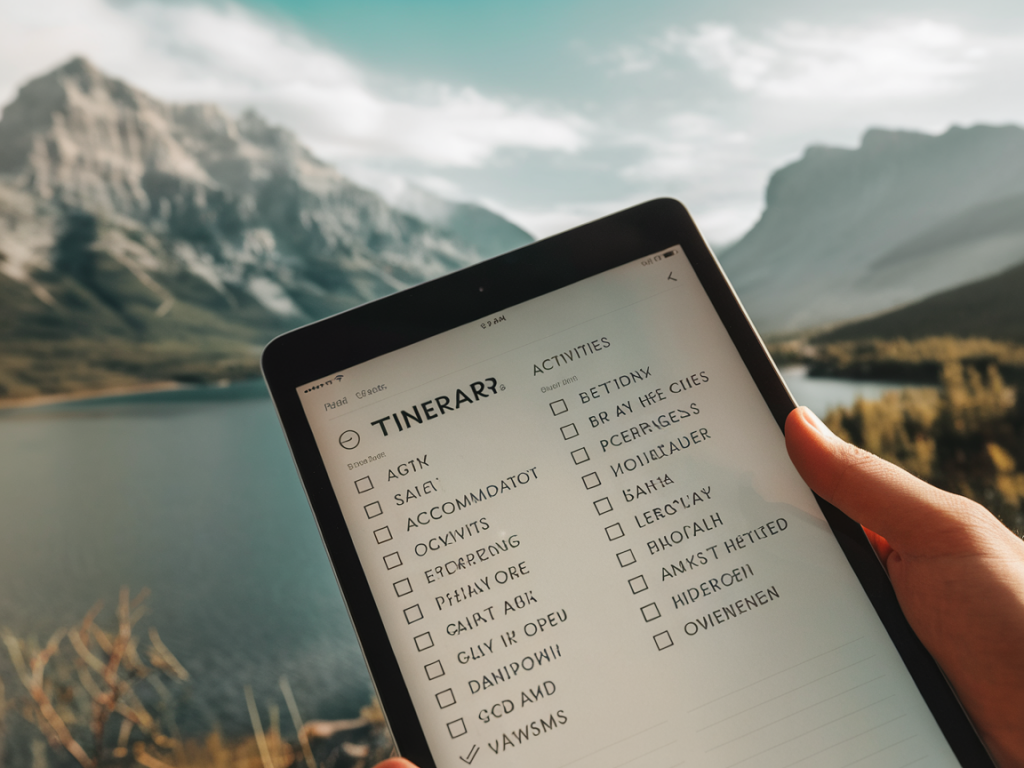
Packed essentials: a short checklist built with Notes’ checklist feature
Tips and micro-habits that make this stick
Here are the small habits I’ve layered on top of this structure so the note becomes my actual travel companion rather than just a plan.
Using the Notes widget
On iPhone, add the Notes widget to your Home Screen and choose the pinned note. This makes the itinerary literally one swipe away. For travel days I sometimes place the widget on the same Home Screen as my camera app—quick access to the note and to photography makes sense for me.
Dealing with changes on the fly
Trips rarely go perfectly. When a plan changes I edit the line and add a timestamp comment like “(changed 12 May — rain): moved museum to Day 3.” I keep a small section at the bottom called Recent changes so I can track updated bookings or cancellations without losing the clean look of the main days.
Sharing and collaborating
If you’re travelling with someone else, share the note rather than forwarding links. You can invite co-travellers to edit the note—great for splitting tasks (one person handles restaurants, the other handles transport) while keeping everything in one place. I often use shared checklists for packing so no one duplicates efforts.
Template you can copy
| Header | Trip: [City] — [Dates] Contact: [phone] Home base: [Hotel name — address — check-in] |
| Transport | Out: [Airline Flight — times — terminal] Back: [Flight — times] |
| Day 1 | [One-line plan — Reservation: time (QR or ref)] |
| Day 2 | [One-line plan — Reservation: time] |
| Tickets & links | [Attach PDFs / paste URLs] |
| Packed essentials | [Checklist items] |
| Recent changes | [Timestamped notes] |
Advanced tricks I use
I also mix in a few more advanced techniques when I need them:
Real-life example
On a recent weekend in Lisbon I had a pinned note with my ferry times, a lunch reservation at Time Out Market, and a short checklist for the tram day. The tram plan itself was one line: “Tram 28 loop — hop off Alfama for views — stop at Miradouro de Santa Luzia 17:00.” Because it was short and specific, I actually did it. The note also contained the QR code for our river cruise as an attachment—no app, no email search, just open Notes, tap QR, show to staff.
If you like a tidy, reliably useful travel cheat-sheet, Apple Notes can do the job without adding another app to your phone. It’s fast to set up, easy to share, and honest about what matters: the few details that let you relax and enjoy the trip.