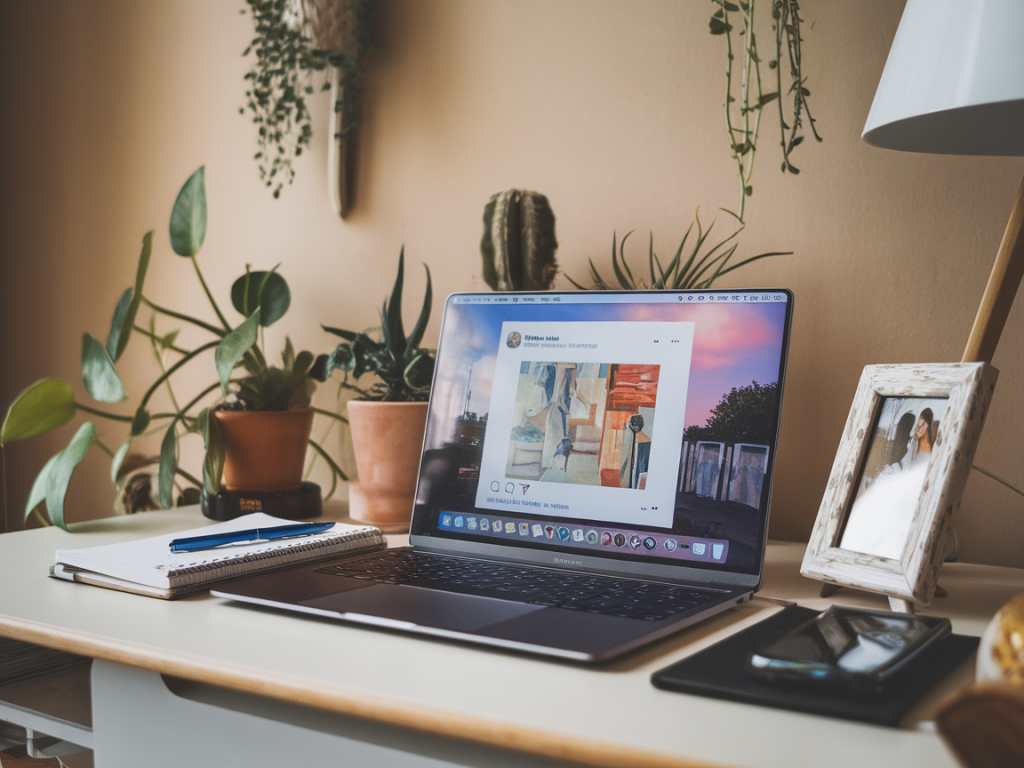
Some evenings I find myself scrolling through Instagram with no real intention — just a warm, mindless drift through other people's kitchens, travel photos and tiny ideas. Other nights, I want to make that time feel a little kinder to my curiosity. Over the years I've turned that habit into a small ritual: a focused, 20-minute creative prompt session powered by the Instagram Save feature. It’s quick, satisfying, and often sparks something I can return to later.
Why turn scrolling into a prompt session?
There are three reasons I like this little practice. First, it respects the time you already spend on your phone instead of adding another task to your to-do list. Second, it converts passive consumption into a tiny act of creation — even if the output is a sketch, a list, or a single paragraph. Third, it trains your eye to notice combinations of images, colours, and ideas that feel fresh together.
Most importantly: it’s forgiving. You don’t need to be “creative” by some grand definition. The aim is curiosity and small experiments, not a finished product.
Before you start: set up your Instagram Saves
Take 5–10 minutes beforehand (one-time setup) to organise your saved posts so the 20-minute session flows. I use Instagram’s Collections — they’re perfect for this.
- Create a few collections with short names like Inspiration, Colour, Food ideas, Textures, and Type & Text. You can add or rename later.
- Save anything that catches your eye into one of those collections as you scroll through the week. Don’t overthink it — save by feeling rather than judgement.
- If you haven’t used Collections before, open a post, tap the bookmark icon, then tap “Save to Collection” and choose or make a collection.
How the 20-minute session works (simple structure)
I timebox the session into three parts: warm-up (3 minutes), core prompt (12 minutes), and quick capture (5 minutes). I keep a notebook or the Notes app open to capture the output.
- Warm-up — 3 minutes: Open one collection (I usually choose “Inspiration”). Quickly glance through 8–12 saved images and pick one that gives a small emotional reaction — a “yes” or “hmm.” Don’t overthink; trust the quick response.
- Core prompt — 12 minutes: Pull in 2–3 more images from other collections that could be combined with your first pick. Use them as ingredients for a micro-prompt (see prompt ideas below). Spend the time making something short: a paragraph, a tiny recipe, a thumbnail sketch, a mood board in Notes, or even a three-line poem.
- Quick capture — 5 minutes: Take a photo of your sketch, paste the text into a note with tags, or save a screenshot into a folder labelled “Prompts.” Add one line about what you liked or what to try next.
Prompt ideas to try (pick one)
These are the kinds of micro-prompts that work well in a 20-minute slot. I rotate through them depending on my mood.
- Colour combo challenge: Pick three images and list five ways to use their colour palette in a room, outfit or plate.
- Tiny travel plan: Combine a landscape + meal photo + architecture image to sketch a 24-hour itinerary for a short weekend trip.
- Micro recipe: Use a food image plus a texture photo to invent a simple snack or drink — list ingredients and one-step method.
- Character snapshot: Choose a portrait and two contextual images. Write the first two lines of a scene where that person is doing something unexpected.
- Creative constraint: Make a three-panel comic or storyboard idea using three saved posts as each panel’s prompt.
- Design prompt: Make a quick mood board in Notes combining a type image, a texture and a colour photo — jot three uses for that board (poster, Instagram carousel, packaging).
Examples from my evenings
One evening I pulled a sunlit alley photo, a bowl of tomato stew, and a handwritten note saved from different accounts. In 12 minutes I sketched a 48-hour “slow city” weekend that included a morning market, a communal cooking class, and an afternoon on a rooftop with stew and paper notebooks. I snapped a photo of my page and filed it under “Trips.” Later that month I used it as the basis for an actual weekend escape.
Another night I combined a muted blue ceramic photo, a typeface shot, and a window sill plant. My 12-minute output was a micro-promo idea for a fictional ceramics shop: a simple tagline, a colour swap concept for their IG feed and three quick product names. It felt playful and useful — and later I turned one idea into a short Instagram mockup.
What to keep in mind
- Be playful: This isn’t about perfection. The value is in practice and iteration, not the final artifact.
- Limit friction: Keep tools simple — a notebook and phone or a note-taking app. I don’t open Photoshop or long-form writing apps during the 20 minutes.
- End with a capture: Spend the last five minutes saving or photographing your output so it’s easy to revisit. Use simple tags like “prompt/food/colour.”
- Protect your mental space: If certain saved images are triggering comparison or stress, move them out of your active collections. The idea is inspiration, not pressure.
How to use the outputs later
Over time you’ll build a tiny archive of mini-ideas. I review mine once a month and pull promising ones into longer projects. A three-line poem might become a longer essay; a micro recipe might be tested and refined into a weekend dinner; a mood board might become a blog post header or an Instagram series.
For organisation, I use a simple folder system on my phone: “Prompts/To Try,” “Prompts/Keep,” and “Prompts/Longer.” If you prefer tools, Notion or Evernote work well for tagging and compiling.
Troubleshooting common issues
- “I can’t pick one image”: Use the warm-up rule of thumb — pick the first image that gives you a little emotional nudge. If none do, skip the session and try again another night.
- “I don’t have saved posts”: Spend five minutes beforehand saving anything that catches your eye this week. Set a small weekly goal: add 10 saves.
- “I get distracted”: Put your phone on Do Not Disturb, set a 20-minute timer and treat the session like a mini-appointment.
Turning evening scrolling into a short creative ritual has made my nights more playful and productive without feeling like another chore. It’s a gentle way to train attention and build creativity in tiny, manageable doses. If you try it, I’d love to hear what you make — drop a note in the comments or tag @blogslifeco if you share something on Instagram.